


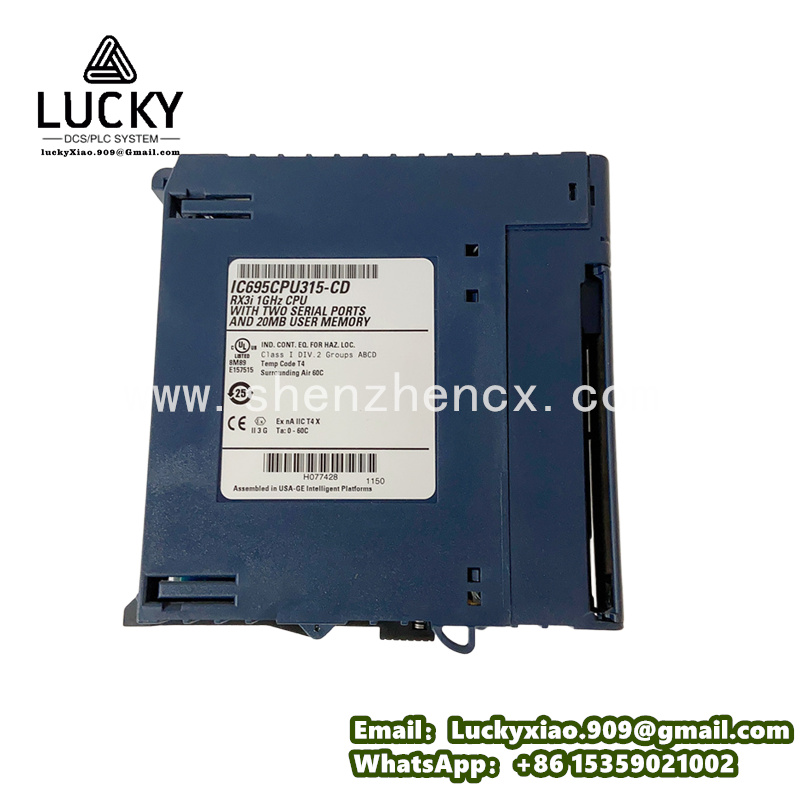
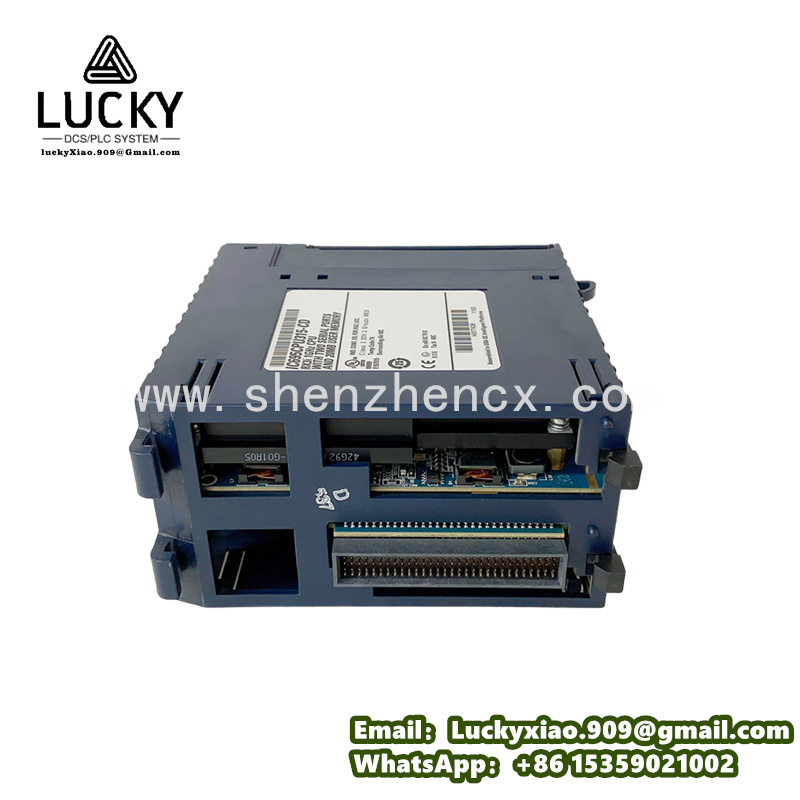
GE IC695CPU315 Industrial Controller
1. Product Overview
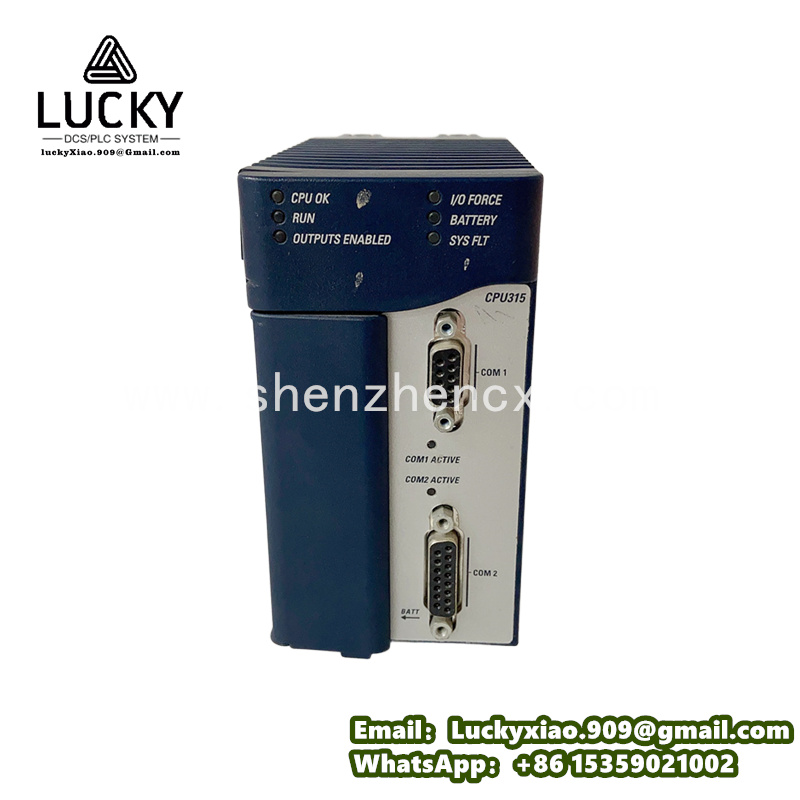
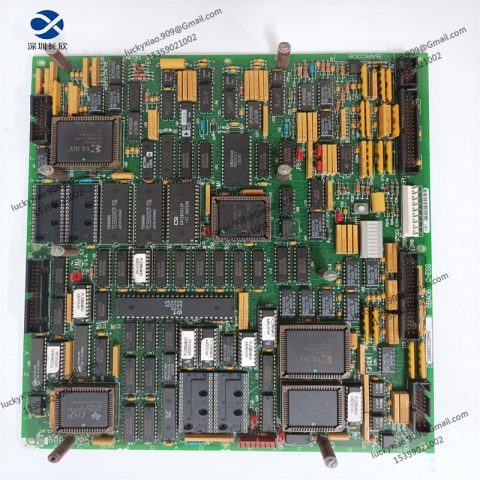
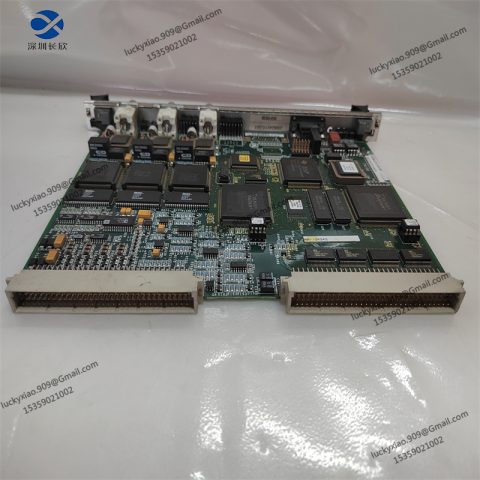
GE IC695CPU315 is a high-performance programmable logic controller (PLC) CPU module designed for GE’s RX3i control system. Acting as the “brain” of industrial automation equipment, it processes real-time data from sensors, switches, and other field devices, executes pre-programmed control logic, and sends instructions to actuators (like valves, motors, and pumps) to keep production processes running stably and efficiently.
Its core role is to be the decision-maker of the automation system: It continuously collects data from connected I/O modules (such as temperature, pressure, and switch status), compares the data with preset parameters, and triggers corresponding actions. For example, in a food packaging line, the IC695CPU315 receives signals from a photoelectric sensor (detecting whether a box is in place) and a weight sensor (checking if the food is filled), then controls the sealing machine to start or pause—ensuring only qualified boxes are sealed.
Key strengths that make it a favorite in industrial automation:
-
Fast Processing Speed: Equipped with a 1.2 GHz dual-core processor, it can execute 1 million ladder logic instructions in 0.1 milliseconds—fast enough to handle complex control tasks in high-speed production lines.
-
Large Storage Capacity: Comes with 4 MB of user program memory and 16 MB of data memory, which can store large-scale control programs and historical operation data without additional memory modules.
-
Strong Expansion Ability: Supports up to 32 I/O modules (digital, analog, or special function modules) connected to the RX3i backplane, easily adapting to different scales of automation systems—from small workshops to large factories.
-
Reliable Connection: Integrates multiple communication ports (Ethernet, RS-485) and supports industrial protocols like Modbus TCP/IP and Ethernet/IP, enabling seamless communication with HMI, SCADA systems, and other controllers.
Practical example: In a beverage bottling plant, the IC695CPU315 controls the entire production process—from bottle feeding (via a conveyor belt), filling (via a flowmeter), capping (via a torque sensor), to labeling (via a barcode scanner). If the filling amount is too low, the CPU immediately pauses the filling valve, sends an alarm to the HMI, and records the fault information for later analysis.
2. Key Technical Specifications
|
Specification Category
|
Details
|
|---|---|
|
Typical Applications
|
Food & beverage, packaging, automotive parts, water treatment, and material handling—for process control and motion control
|
|
Processor & Memory
|
1.2 GHz dual-core processor; Program memory: 4 MB; Data memory: 16 MB; Backup: Non-volatile memory (retains data without power)
|
|
I/O Expansion
|
Supports up to 32 RX3i series I/O modules; Backplane compatibility: GE RX3i 3-slot/5-slot/10-slot backplanes
|
|
Communication Ports
|
2 x 10/100/1000 Mbps Ethernet ports; 1 x RS-485 port; Supports protocols: Modbus TCP/IP, Ethernet/IP, PROFINET (optional)
|
|
Programming Software
|
GE Proficy Machine Edition (Version 9.0 or higher); Supports programming languages: Ladder Logic (LD), Structured Text (ST), Function Block Diagram (FBD)
|
|
Power Supply
|
Input voltage: 24V DC ±10%; Power consumption: ≤15W (without I/O modules)
|
|
Protection Features
|
Over-voltage protection (≥36V DC); Short-circuit protection; ESD protection (±2kV contact, ±8kV air)
|
|
Environmental Conditions
|
Operating temperature: 0℃–60℃; Relative humidity: 5%–95% (no condensation); Protection class: IP20 (when installed in a cabinet)
|
|
Physical Specifications
|
Dimensions: 100mm × 160mm × 50mm (L×W×H); Weight: ~600g; Mounting: RX3i backplane slot
|
|
Certifications
|
CE, UL, IEC 61131-2, ISO 9001
|
3. System Integration Guide
GE IC695CPU315 is the core of the RX3i control system. Integrating it requires matching with RX3i backplanes, I/O modules, and peripheral devices (HMI, sensors). The process is simple and suitable for both beginners and experienced engineers:
3.1 Integration Steps (with Safety Tips)
-
Prepare the Backplane: Choose a suitable RX3i backplane (e.g., 5-slot for small systems). Install the backplane in the control cabinet, ensuring it is fixed firmly to avoid vibration.
-
Install the CPU Module: Insert the IC695CPU315 into the first slot of the backplane (designated CPU slot) until it clicks. Ensure the golden fingers fully contact the backplane to avoid poor communication.
-
Add I/O Modules: Insert required I/O modules (e.g., digital input module IC695DI334, analog output module IC695AO390) into the remaining backplane slots. Record the slot number of each module for programming.
-
Wiring Connections: Connect the 24V DC power supply to the backplane’s power terminal—double-check polarity to prevent damage to the CPU.
-
Link field devices (sensors, actuators) to the corresponding I/O modules via terminal blocks.
-
Connect the Ethernet port of the CPU to the HMI or SCADA system using a network cable—set the same IP address segment for communication.
-
Program & Download: Install Proficy Machine Edition software on the computer. Create a new project and select “IC695CPU315” as the controller model.
-
Program the control logic (e.g., ladder logic for a conveyor belt start/stop control) and configure I/O addresses (match the module slot numbers).
-
Connect the computer to the CPU via Ethernet, then download the program to the CPU. The CPU’s “Run” LED will turn green if the download is successful.
-
Test the System: Turn on the power—check that the CPU and I/O modules’ power LEDs are green.
-
Trigger field sensors (e.g., press a button) and confirm the HMI displays the correct status, and actuators respond as programmed (e.g., motor starts).
-
Simulate a fault (e.g., disconnect a sensor wire) to verify the CPU records the fault and sends an alarm to the HMI.
3.2 Daily Maintenance Tips
-
Daily Check: Monitor the CPU’s status LEDs—steady green “Run” = normal, flashing red “Fault” = abnormal. Check the HMI for fault prompts.
-
Monthly Inspection: Open the control cabinet (after power off) to check if the CPU and I/O modules are loose. Tighten the module fixing screws if necessary.
-
Quarterly Backup: Connect the computer to the CPU and back up the user program to avoid data loss due to unexpected power failure.
-
Annual Cleaning: Use compressed air (low pressure) to clean dust from the CPU’s ventilation holes and the backplane to prevent overheating.
-
Fault Handling: If the CPU faults, first check the power supply and wiring. If normal, use Proficy software to read the fault code (e.g., “E01” = program error) for targeted troubleshooting.
4. Recommended GE Related Models
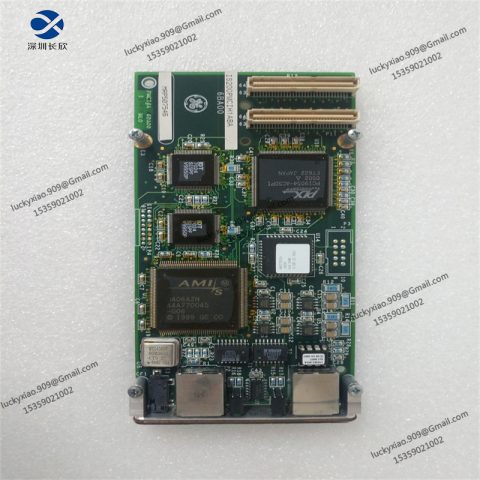
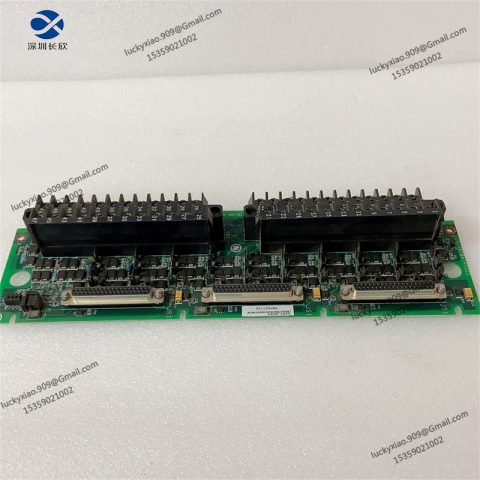
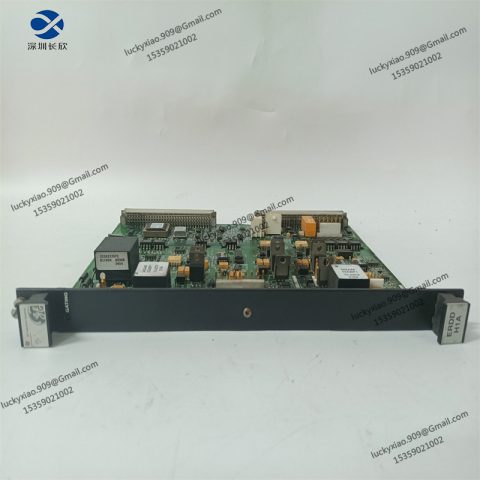
GE offers a range of RX3i CPU modules and compatible I/O modules to meet different performance and functional needs. Below are the most practical options:
|
Model
|
Key Features & Application Scenarios
|
|---|---|
|
GE IC695CPU330
|
High-end CPU with 2.0 GHz quad-core processor. Suitable for complex motion control (e.g., robotic arm coordination in automotive factories) and multi-axis synchronization.
|
|
GE IC695CPU310
|
Entry-level CPU with 800 MHz single-core processor. Ideal for simple control systems (e.g., a small water treatment tank’s pump and valve control) at a lower cost.
|
|
GE IC695CPU340
|
Redundant CPU for fault-tolerant systems. Used in critical processes (e.g., power plant boiler control) where system downtime is not allowed—automatically switches to backup CPU if the main one fails.
|
|
GE IC695DI334
|
32-channel digital input module. Matches IC695CPU315 to monitor multiple switch signals (e.g., 32 emergency stop buttons in a workshop).
|
|
GE IC695DO330
|
32-channel digital output module. Used to control multiple actuators (e.g., 32 indicator lights or relays) in coordination with the CPU.
|
|
GE IC695AO390
|
8-channel analog output module. Converts CPU digital signals to 4-20mA to control variable-speed motors or adjustable valves (e.g., in a chemical mixing process).
|
|
GE IC695ENET201
|
Ethernet expansion module. Adds 4 extra Ethernet ports to the CPU, suitable for large factories needing to connect multiple HMIs and SCADA systems.
|

-480x480.jpg)
There are no reviews yet.