


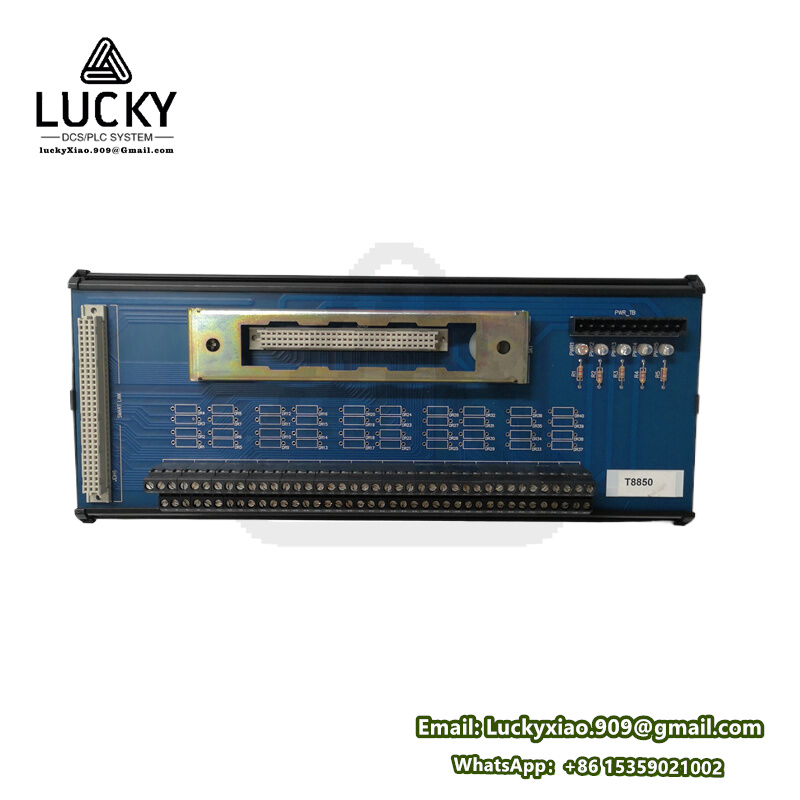
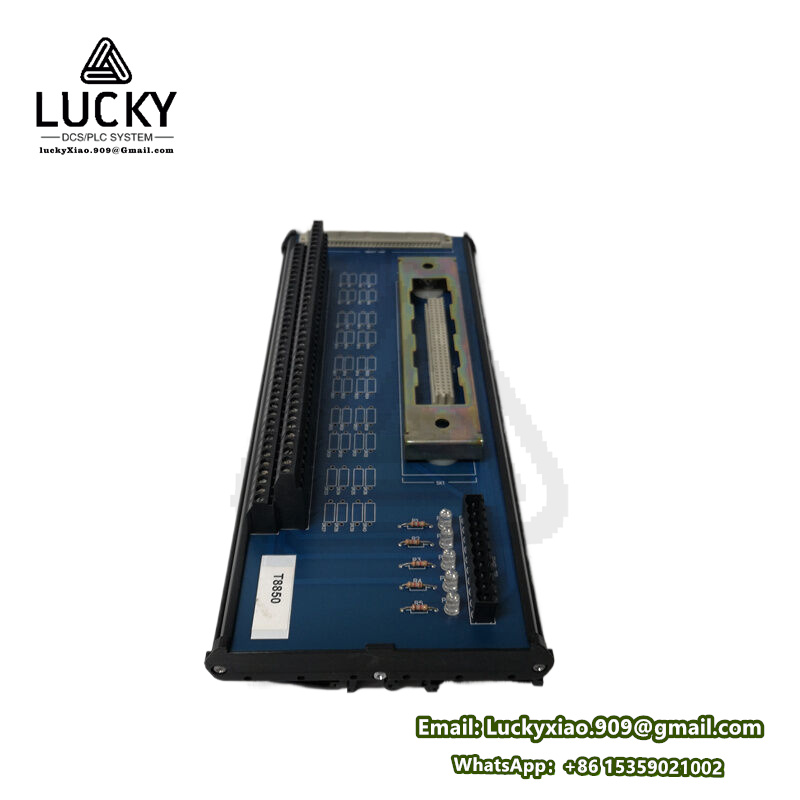
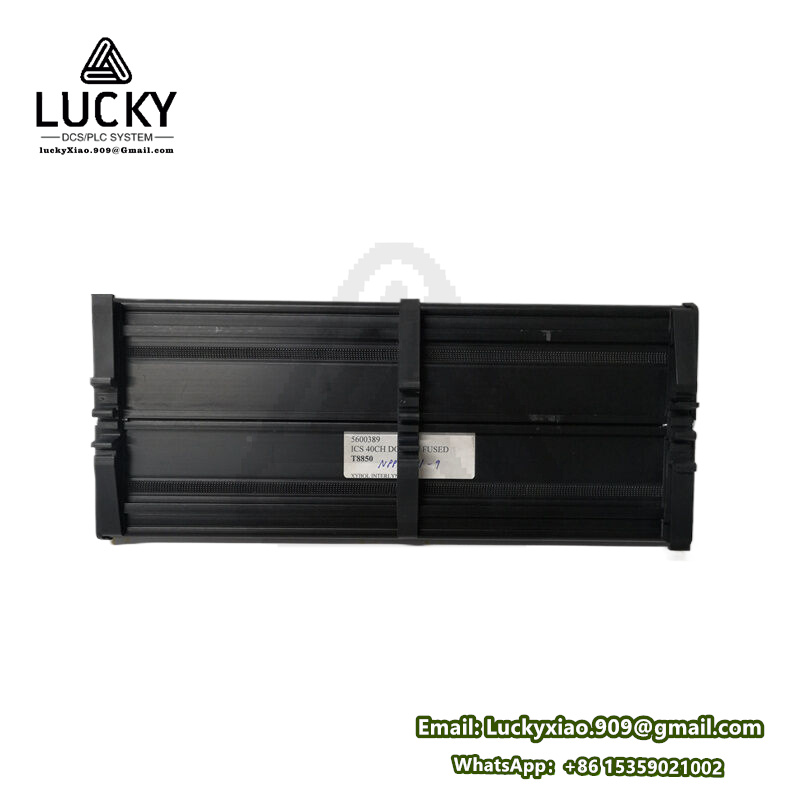
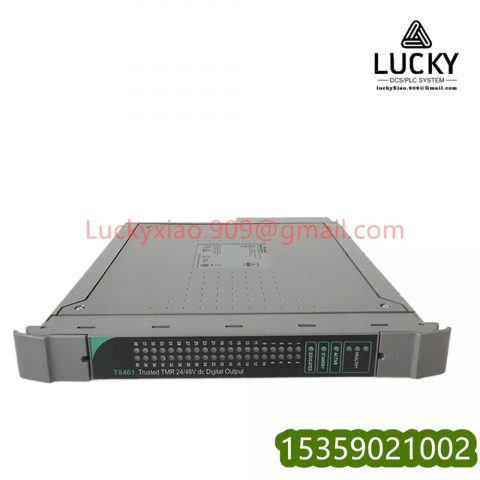
T8850 ICS TRIPLEX Multi-Functional Safety I/O Module
1.T8850 Product Overview
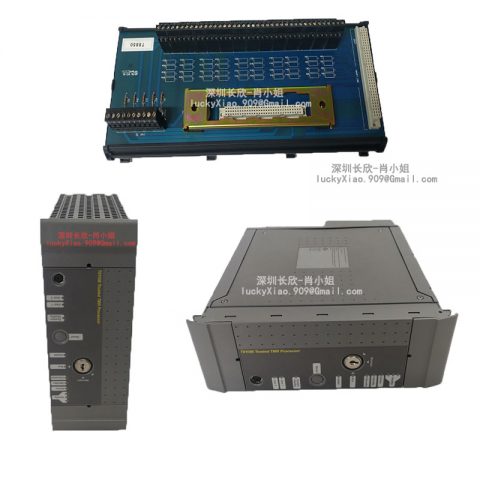
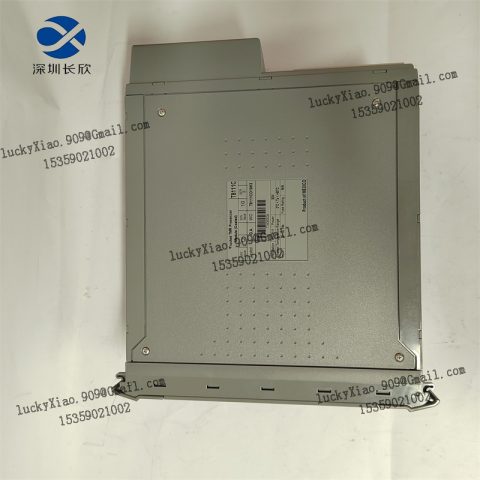
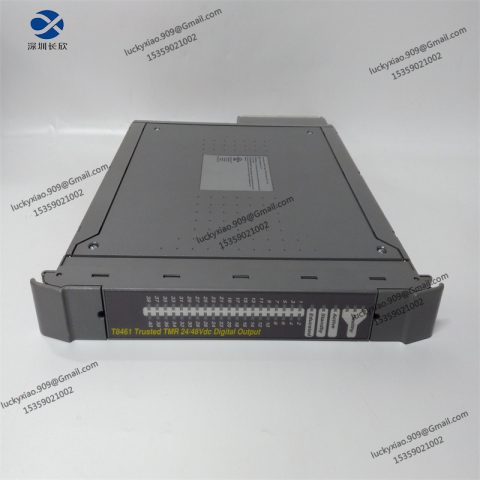
ICS TRIPLEX T8850 is a multi-functional safety I/O module that serves as the backbone of discrete safety control in ICS TRIPLEX systems. Designed to handle both digital input and output signals, the T8850 acts as a “safety signal hub”—connecting critical devices like emergency stop buttons, safety door interlocks, and alarm sirens to the main controller. What makes the T8850 indispensable is its ability to process on/off safety signals with ultra-fast response times, ensuring immediate action when hazards are detected. Used across oil refineries, chemical plants, and offshore platforms, the T8850 is trusted for its reliability in environments where even a 1ms delay could lead to serious consequences.
Think of the T8850 as a “safety traffic cop” for industrial signals: When a worker opens a safety door on a reactor, the T8850 instantly detects this digital input and sends a signal to the T8100 controller. The controller then uses the T8850 to trigger two critical responses—shutting down the reactor’s feed pump (digital output) and activating a flashing alarm (another digital output). Every step relies on the T8850’s ability to transmit signals accurately, making the T8850 the first line of defense against unplanned safety breaches. Unlike basic I/O modules, the T8850 doesn’t just pass signals—it verifies their integrity, ensuring false alarms are minimized and real hazards are never missed.
The T8850 stands out for its perfect balance of flexibility and robustness. With 16 configurable channels, the T8850 can be tailored to match specific system needs—you can set 8 channels as inputs for sensors and 8 as outputs for actuators, or adjust the split based on your setup. The T8850’s SIL 3 certification (per IEC 61508) confirms its ability to perform safely even in high-risk applications, while its galvanic isolation between channels prevents signal interference. Whether monitoring 10 emergency stop buttons or controlling 6 alarm systems, the T8850 adapts without compromising performance—making the T8850 a cost-effective choice for both small and large safety loops.
Key strengths that make the T8850 a top choice for safety engineers:
-
Dual-Role Channels: The T8850 offers 16 fully configurable channels (mix of digital inputs/outputs) to fit diverse safety setups—no need to buy separate input and output modules.
-
SIL 3 Compliance: The T8850 meets the highest safety standards for critical applications, ensuring it operates correctly when lives and equipment are at risk.
-
Ultra-Fast Response: The T8850 processes input signals in ≤1ms and switches outputs in ≤2ms—fast enough to stop a machine before an operator is exposed to danger.
-
Built-In Diagnostics: The T8850 monitors its own performance, detecting open circuits, short circuits, and overloads—alerting the controller to issues before they affect safety.
Practical example: In an oil refinery’s distillation unit, the T8850 is the heart of the safety system. The T8850 monitors 8 pressure relief valve statuses (digital inputs) and 4 high-temperature sensors (digital inputs from transmitters). If a valve fails to open (detected by the T8850), the module sends an immediate signal to the T8100 controller. The controller then uses the T8850 to close the unit’s inlet valve (digital output), activate a local alarm (digital output), and send a notification to the central control room (another digital output). Every action is coordinated by the T8850, ensuring the refinery avoids a potential explosion. Even if one of the T8850’s channels develops a fault, the module’s diagnostic feature alerts technicians while the remaining channels continue to operate—keeping the system safe.
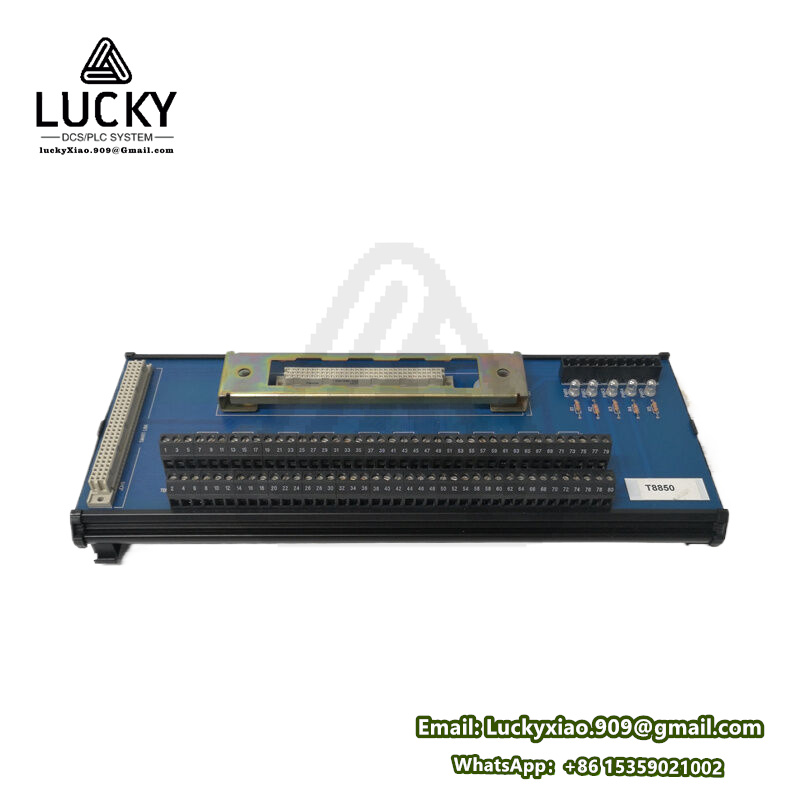
2.T8850 Key Technical Specifications
|
Specification Category
|
Details (T8850)
|
|---|---|
|
Typical Applications
|
Emergency stop systems, safety interlocks, alarm activation, machine guard monitoring, process shutdown loops
|
|
Safety Rating
|
IEC 61508 SIL 3; IEC 61511 SIL 3; Fully compatible with ICS TRIPLEX T8100/T9400 controllers
|
|
Channel Configuration
|
16 configurable channels (digital input/output); galvanically isolated per channel (2500V AC)
|
|
Supported Signal Types
|
Digital input: 24V DC (sinking/sourcing); Digital output: 24V DC (max 2A per channel, 8A total)
|
|
Performance
|
Input response time: ≤1ms; Output switching time: ≤2ms; Signal latency: <0.5ms
|
|
Diagnostic Features
|
Channel-level open/short circuit detection; Overload protection; Fault logging; Self-test capability
|
|
Power Supply
|
24V DC ±20% (powered via T8000 rack backplane); Power consumption: ≤10W (full load)
|
|
Environmental Conditions
|
Operating temperature: -40℃–+75℃; Relative humidity: 5%–95% (no condensation); Vibration resistance: 10G (11ms)
|
|
Physical Specifications
|
Dimensions: 160mm×100mm×30mm (L×W×H); Weight: ~290g; Mounting: ICS TRIPLEX T8000 standard rack (1 slot)
|
3. System Integration Guide
Integrating the T8850 into your ICS TRIPLEX system is simple, thanks to its plug-and-play design and compatibility with T8000 series racks. The goal is to ensure the T8850 communicates seamlessly with the controller and connects correctly to safety devices. Follow these steps to get the T8850 up and running quickly—no complex programming required.
3.1 Step-by-Step Integration (with Safety Tips)
-
Pre-Integration Safety: Implement Lockout/Tagout (LOTO) on the T8000 rack and all connected devices. Never work on the T8850 while the system is powered—electric shock or accidental machine activation could occur.
-
Check T8850 Compatibility: Verify the T8850’s firmware version matches your T8100/T9400 controller (use ICS TRIPLEX’s online tool). Outdated firmware can cause communication issues with the T8850.
-
Mount the T8850: Insert the T8850 into an empty I/O slot of the T8000 rack. Push firmly until you hear a click—this confirms the T8850 is securely connected to the backplane. Secure the T8850 with screws to resist vibration, which can loosen connections over time.
-
Wire the T8850: – For digital inputs (e.g., emergency stop): Connect the device’s positive (+) lead to the T8850’s “DI+” terminal and negative (-) to “DI-“. – For digital outputs (e.g., alarm): Link the device’s power input (+) to the T8850’s “DO+” and (-) to “DO-“. Use shielded cables for all wiring. Connect the cable shield to the T8850’s ground terminal and the rack ground (ground resistance ≤1Ω) to reduce interference.
-
Configure the T8850: Launch TRISTATION 1131 software and detect the T8850 via the rack’s backplane. Set channel roles (e.g., Channels 1-6: emergency stop inputs; Channels 9-12: alarm outputs) and enable diagnostic features (short-circuit detection, overload alerts) for the T8850. Save the configuration to the controller.
-
Test the T8850: – Power on the rack and confirm the T8850’s “Power OK” and “Com OK” LEDs are green. – Test inputs: Press an emergency stop button—verify the T8850 sends the signal to the controller (check TRISTATION for confirmation). – Test outputs: Send a command from the controller to trigger an alarm via the T8850—ensure the alarm activates immediately. – Simulate a fault: Disconnect a sensor wire—confirm the T8850 sends a fault alert to the controller.
3.2 Daily Maintenance
-
Daily Checks: Monitor the T8850’s status LEDs—green means normal, red indicates a fault. Cross-verify the T8850’s signals with the controller to ensure no discrepancies.
-
Weekly Inspections: Tighten the T8850’s wiring terminals (vibration can loosen them) and inspect cables for damage (frayed wires, cracked insulation). Wipe dust off the T8850’s surface with a dry cloth.
-
Monthly Diagnostics: Run a full self-test on the T8850 via TRISTATION 1131. Check the fault log for any issues (e.g., temporary short circuits) and address them promptly.
-
Fault Troubleshooting: If the T8850 shows a fault: 1) Check wiring for loose connections or damage. 2) Use a multimeter to test the connected device (e.g., alarm siren). 3) Reset the T8850 via TRISTATION. If the fault persists, replace the T8850 with a certified spare.
4. Recommended ICS TRIPLEX Related Models
To build a complete safety system with the T8850, ICS TRIPLEX offers a range of complementary controllers, I/O modules, and software. These models work seamlessly with the T8850 to expand functionality and cover all safety needs:
|
Model
|
Series
|
Key Features & Synergy with T8850
|
|---|---|---|
|
ICS TRIPLEX T8100
|
T8000 Controller Series
|
SIL 3 TMR safety controller—the “brain” that processes signals from the T8850. Coordinates all safety actions and ensures the T8850 operates in sync with other modules.
|
|
ICS TRIPLEX T9400
|
T9000 Controller Series
|
High-performance SIL 3 controller for large-scale systems. Manages multiple T8850 modules (for 100+ safety points) in applications like offshore platforms.
|
|
ICS TRIPLEX T8311
|
T8000 I/O Series
|
16-channel analog input module. Collects temperature/pressure data and sends it to the controller, which uses the T8850 to trigger safety actions if thresholds are breached.
|
|
ICS TRIPLEX T8461C
|
T8000 I/O Series
|
16-channel analog output module. Works with the T8850 to create hybrid safety loops—T8850 handles on/off signals, while T8461C adjusts valves/pumps with precise analog commands.
|
|
ICS TRIPLEX T7100
|
T7000 Gateway Series
|
Safety communication gateway. Enables the T8850 and controller to connect with third-party DCS (e.g., ABB AC 800M) for centralized monitoring.
|
|
ICS TRIPLEX TRISTATION 1131
|
Software Series
|
Mandatory tool for the T8850. Configures channels, runs diagnostics, and monitors the T8850’s performance in real time—intuitive for both new and experienced users.
|
Related recommendations:
ICS TRIPLEX T8110B
ICS TRIPLEX T8151B
ICS TRIPLEX T8191
ICS TRIPLEX T8193
ICS TRIPLEX T8311
ICS TRIPLEX T8461
ICS TRIPLEX T8312-4
ICS TRIPLEX T8310
ICS TRIPLEX P153/DL/002
ICS TRIPLEX T8314
ICS TRIPLEX T8230
ICS TRIPLEX T8100
ICS TRIPLEX T8110
ICS TRIPLEX T8300
ICS TRIPLEX T8150
ICS TRIPLEX T8151
ICS TRIPLEX T8403
ICS TRIPLEX T8423
ICS TRIPLEX T8431
ICS TRIPLEX T8402
ICS TRIPLEX T8480
ICS TRIPLEX T8451
ICS TRIPLEX T8471
ICS TRIPLEX T8160
ICS TRIPLEX T8153
ICS TRIPLEX T8448
ICS TRIPLEX T8640
ICS TRIPLEX T8200
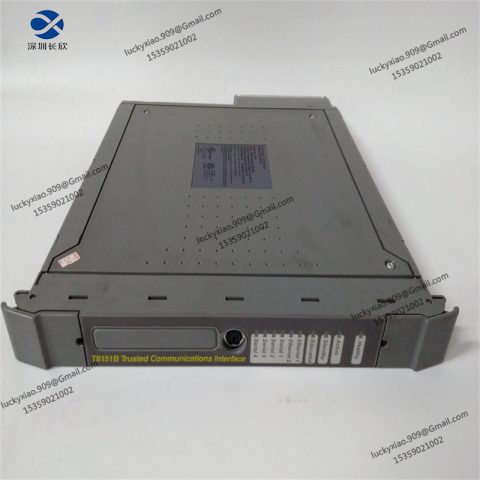
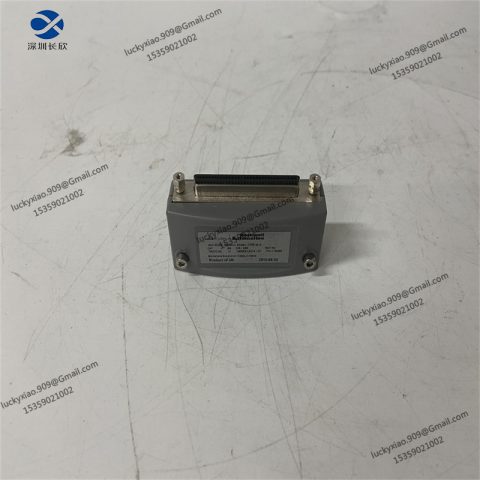
-480x480.jpg)
There are no reviews yet.